A printer head is a crucial part of your printer that sprays ink onto the paper. Over time, it can get clogged with dried ink, which leads to faded, streaky, or blotchy prints. Cleaning the printer head regularly helps keep your prints sharp and clear.
Here’s a simple guide on how to clean a printer head safely and effectively.
When Should You Clean the Printer Head?
You might need to clean the printer head if:
- Your prints have streaks or missing lines.
- Colors look faded or uneven.
- You see smudges or spots on your pages.
- Your printer has been unused for a long time.
Step 1: Use the Printer’s Built-in Cleaning Feature
Most modern printers come with an automatic cleaning option.
How to do it:
- Open the printer’s control panel or display screen.
- Find the “Maintenance” or “Tools” menu.
- Select the “Clean Printhead” or “Head Cleaning” option.
- Follow the on-screen instructions.
This process uses ink to flush out clogged nozzles and usually takes a few minutes.
Step 2: Manual Cleaning (If Needed)
If the automatic cleaning doesn’t work, you can clean the printer head manually—but be careful!
What you need:
- Lint-free cloth or paper towel
- Distilled water (avoid tap water)
- Gloves (optional)
How to clean manually:
- Turn off the printer and unplug it.
- Remove the ink cartridges carefully.
- Locate the printer head (check your printer’s manual).
- Dampen the cloth with distilled water.
- Gently wipe the printer head to remove dried ink.
- Let the printer head dry completely before again add cartridges.
Step 3: Test Your Printer
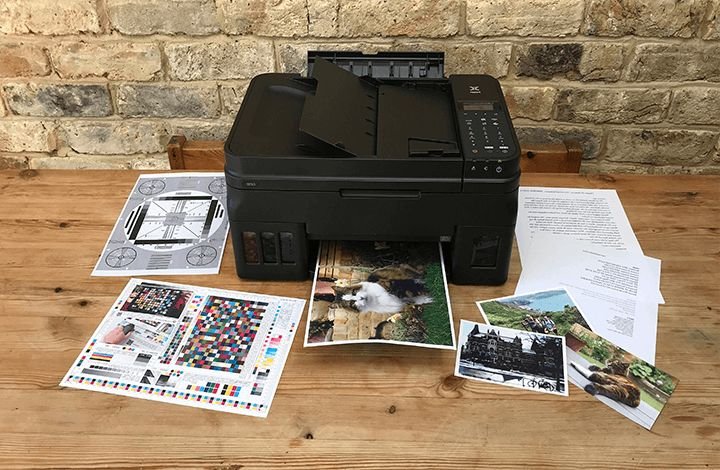
After cleaning, print a test page to see if the quality has improved. If the problem persists, you might need to repeat the cleaning or check for other issues like low ink.
Tips to Keep Your Printer Head Clean
- Print regularly to prevent ink from drying inside the nozzles.
- Use the recommended ink and paper types.
- Avoid turning off the printer immediately after printing; let it finish its cleaning cycles.
Final Thoughts
Cleaning the printer head is a simple way to improve print quality and extend the life of your printer. Whether you use the automatic cleaning function or carefully clean it yourself, regular maintenance can save you from costly replacements and frustrating prints.